Shape the sound of anything playing — music, video, calls — with a single, instant 3-band stereo equalizer.
No virtual devices. No setup.
Apple silicon & Intel · macOS 14.4 (Sonoma) or later · Your audio never leaves your Mac.
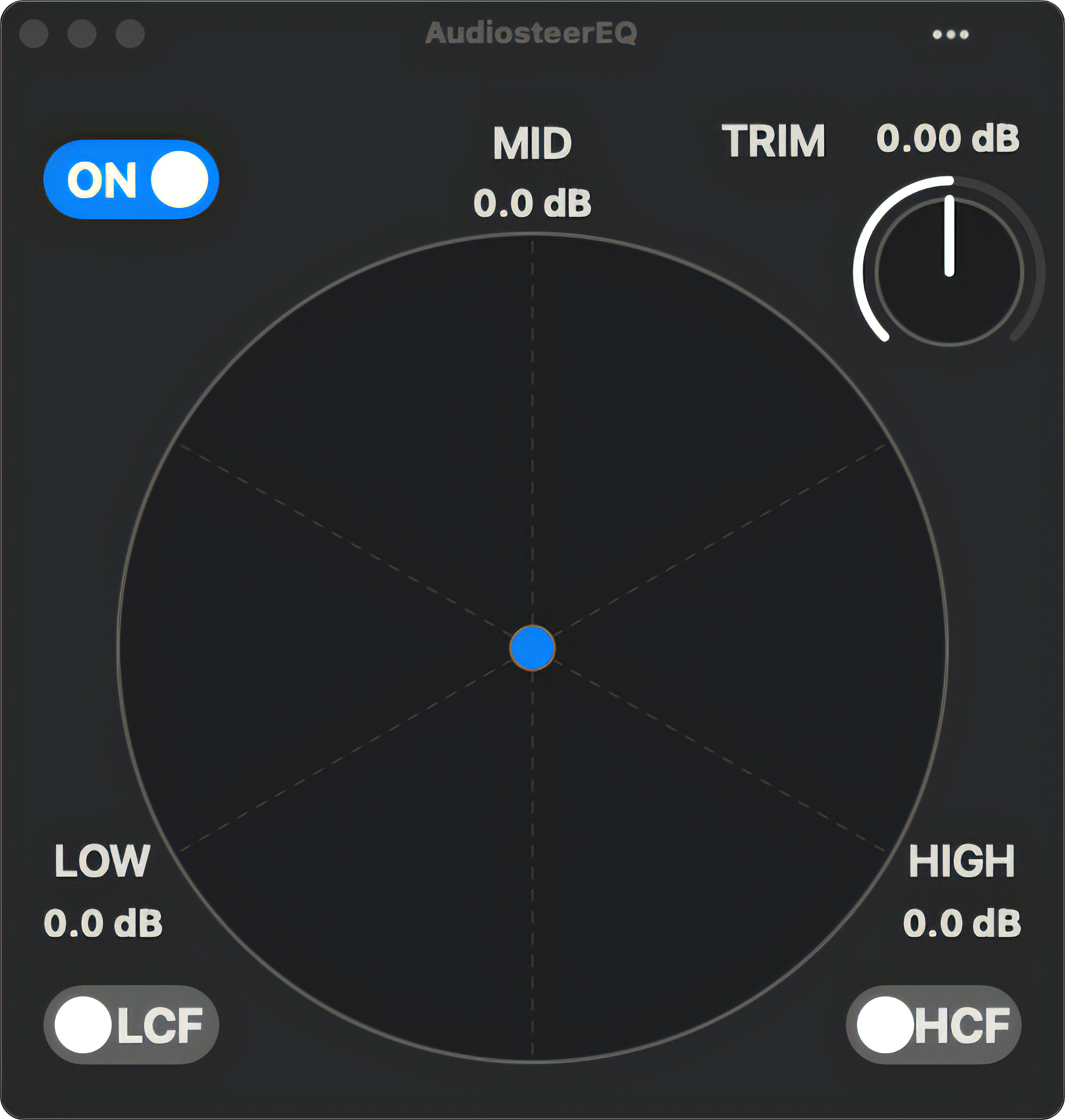
One menu bar icon, one window, one gesture.
AudiosteerEQ stays out of the way until you need it.
Drag a single point to blend Low, Mid, and High in real time — no fiddly sliders,
no guesswork.
Bold and Clean modes change how firmly it shapes the sound, and Snap
keeps you on tidy values.
If your player needs a little push, the trim knob is there to help.
AudiosteerEQ equalizes your Mac’s output directly — Spotify, YouTube, a video call,
anything.
There are no virtual audio devices to install and nothing to route.
Turn it
on and it just works with no heavy tax on your CPU and RAM.
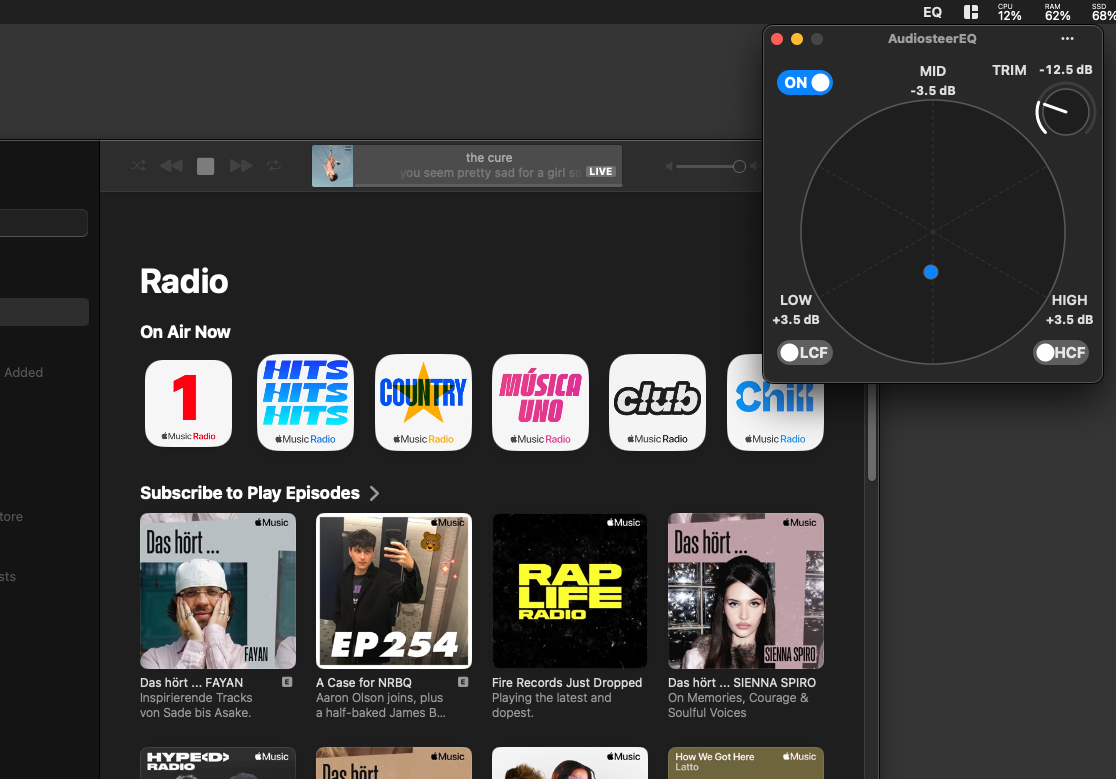
You found the perfect setting ? Saving and recalling a preset is just a click away.
Tired of reaching for the mouse ? Use the keyboard shortcuts.
Ligth or dark? Big or small?
Its all there.
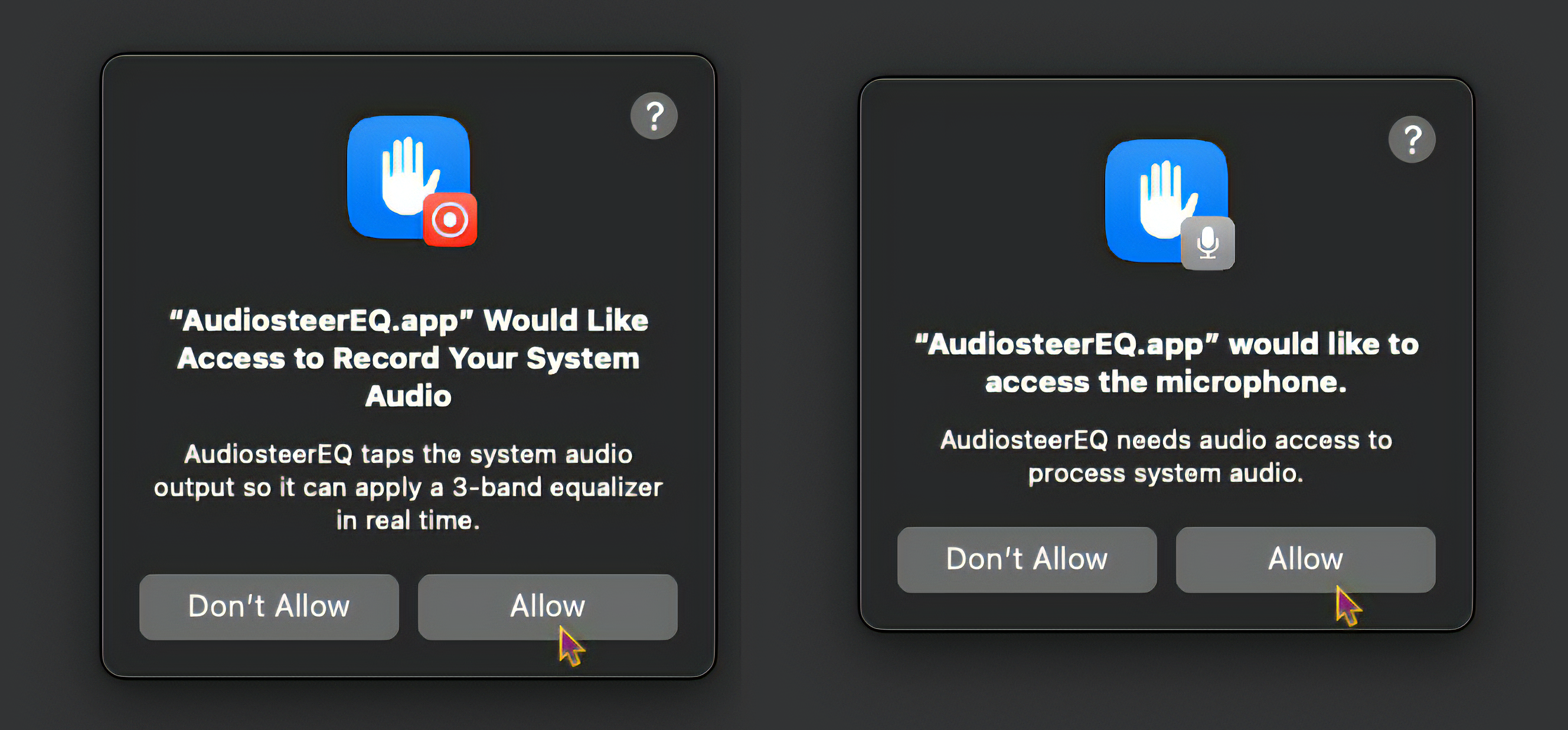
Your audio is processed on your device, in real time, and is never recorded, written
to disk, or sent anywhere.
AudiosteerEQ collects nothing — there’s no account and no
tracking. Read the privacy policy →
The 3-band EQ is free forever. A one-time purchase unlocks the pro controls.
| Feature | Free | Plus |
|---|---|---|
| 3-band EQ, Bold / Clean modes, Snap, light/dark themes | ✓ | ✓ |
| Saved presets | 2 | Unlimited |
| Low-cut & High-cut filters | — | ✓ |
| Coarse mode & extended ±24 dB range | — | ✓ |
| Global hotkeys & always-on-top | — | ✓ |
| Dock / menu-bar icon options & login item | — | ✓ |
| 3 GUI sizes to select from | — | ✓ |
AudiosteerEQ Plus is a one-time in-app purchase — $4.99, no subscription.
A focused utility that respects your Mac.
 Audiosteer